

 ARK: Survival Ascended
Don't have an ARK: Survival Ascended server yet? Rent one from 385 NOK/month (≈ €36.58)
1. Log in to the game panel, click on your server
2. Stop the server. Check out the video here if the next steps seem a bit stressful

3. Go to StartUp
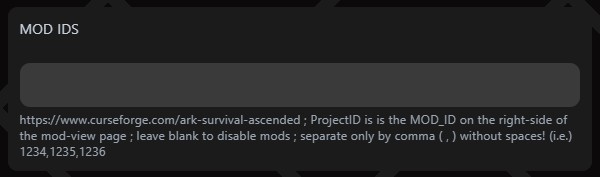
4. Look for MOD IDS
5. Then go here, to find the mods you want to use.
Each mod has a Project ID that looks like this 1357454
6. Copy the Project ID and add it to the text field.
If you want several mods, separate them with commas without spaces, for example: 1357454,1183089,1020402
Wondering how to use cheat commands? Check out this article
Rent your own ARK: Survival Ascended server
From 385 NOK/month (≈ €36.58). Servers in Norway with low ping, DDoS protection and no commitment.