
This guide is also available in video format! If you are wondering what GSLT is, you can read our article: GSLT (Game Server Login Token).
Your journey that led you here may have started here?
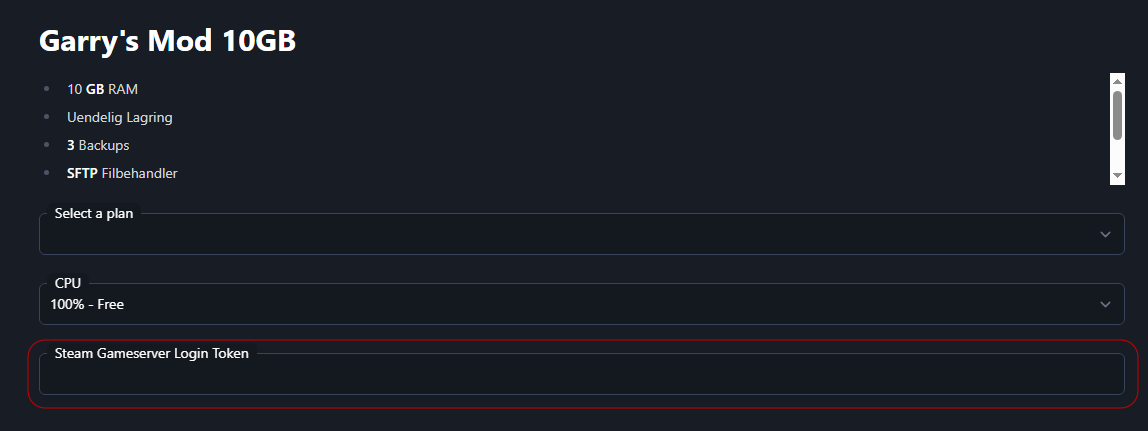
Creating a GSLT is very easy.
Go to Steam's website and find Steam Game Server Account Management. Here you will find a small box at the bottom of the page, titled: Create a new game server account

In the first box, where the APP ID goes, type 4000 for Garry’s Mod. This is the ID of Garry’s Mod. It is also the same as the name of the game's own folder in your local Steam game library.
In the last and bottom box, type what you want to call the token. This is only to remember what the different tokens are used for.
E.g.:

You will then get a new line with the newly created GSLT Token.
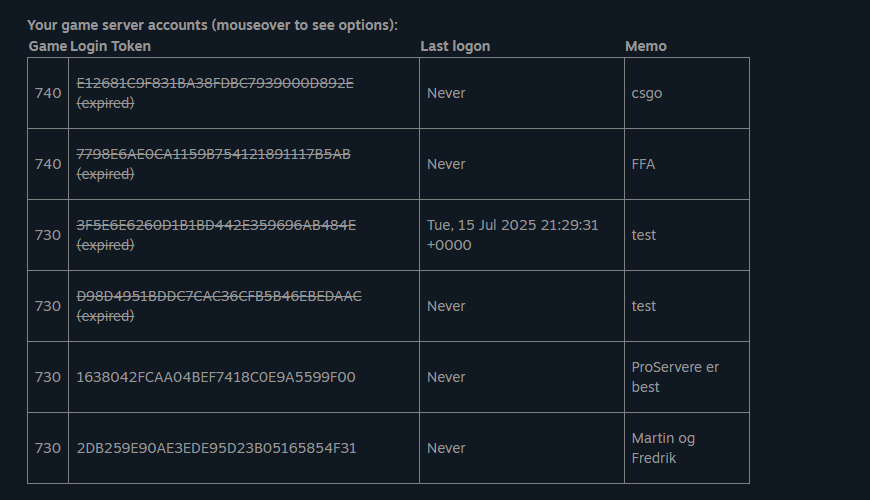
These can then be deleted, regenerated and have their Memo changed, or reminder note, or whatever you want to call it, by hovering over the tokens with the mouse pointer.
Have questions? Don't hesitate to contact us either on Discord or via our website


