
1. Open tModLoader
2. Click Workshop

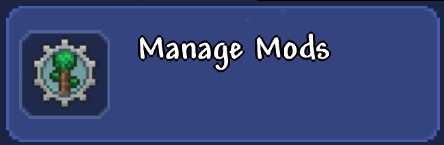
3. Click Manage Mods
4. Click Open Mods Folders
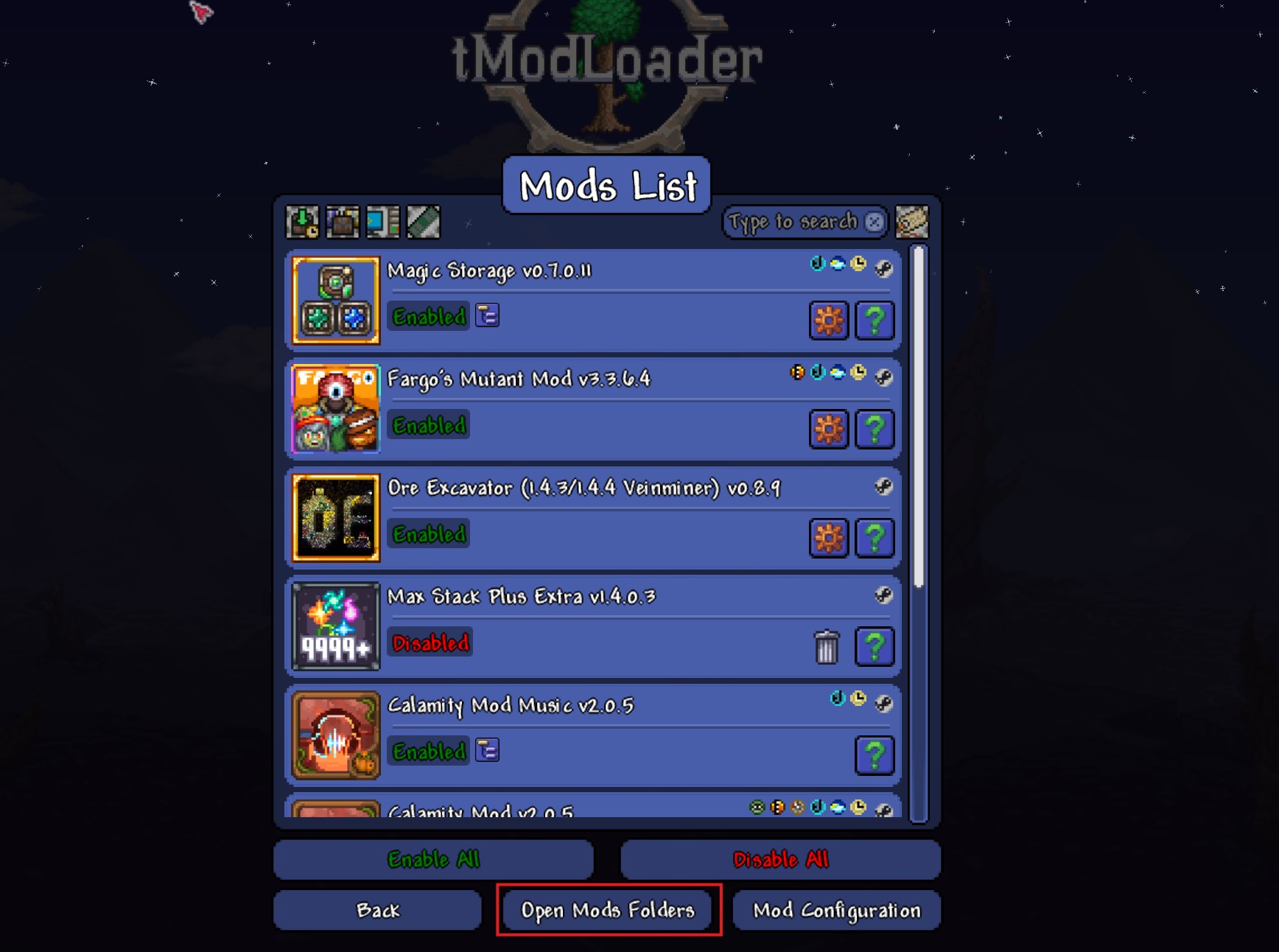
5. Here you will find files ending in .tmod, for example CalamityMod.tmod
6. Go to the Game Panel
7. Click Files

8. Click the Mods folder and upload the mod files you just found.
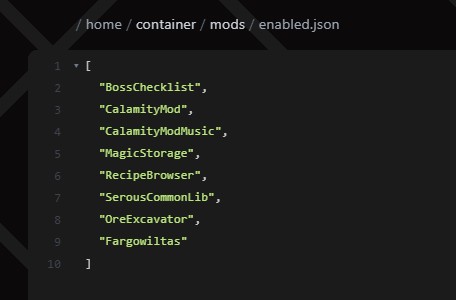
9. Inside the mods folder you will find a file called enabled.json
10. Every single mod must be added here by name
Here is an example of how the file should look:
You can now start your server and play with your new mods!


